Arrow Function in Javascript : A simpler Way to Write Function
Introduction
Function is a reusable block of code that perform a specific task. In javascript , there are several way to create a function in which one is arrow function that is modern and shorter way to define a function.
Topic to be covered in this article :
What arrow functions are
Basic arrow function syntax
Arrow functions with one parameter
Arrow functions with multiple parameters
Implicit return vs explicit return
Basic difference between arrow function and normal function
What arrow function are
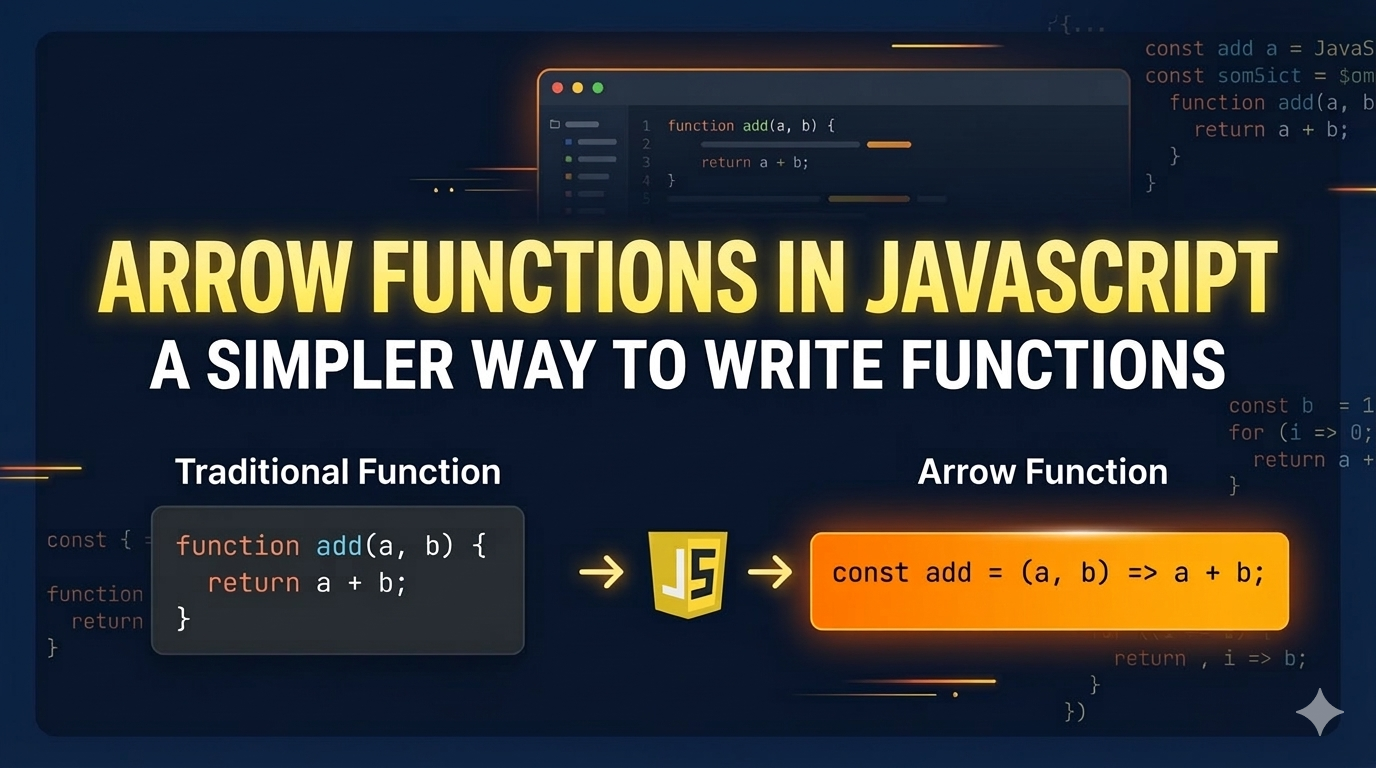
An arrow function is a modern and shorter way to write a function in javascript . It was introduced in ES6. Instead of using the function keyword , we use => .
It helps to reduce the boilerplate code and simpler and cleaner way to define function than the traditional function.
Syntax:
const functionName = ( ) => {
    // code
}
Example:
const add = (a , b) => a + b;
Arrow function with one parameter
In javascript , when there is only one parameter you do not need parenthesis ( ) around the parameter .
Syntax:
const functionName = parameter => {
    // code
}
Example:
const greet = name => {
  console.log("Hello " + name);
};

greet("Priyanshu");
// Expected Output :- Hello Priyanshu
If the function has only one parameter you can write even shorter syntax.
const square = num => num * num;

console.log(square(5));
// Expected Output :- 25
Arrow function with multiple parameters
In javascript , when there is multiple parameters then you must use parenthesis ( ) around the parameters.
Syntax:
const functionName = (param1, param2, param3) => {
  // code
};
Example:
const add = (a, b) => {
  return a + b;
};

console.log(add(5, 3));
// Expected Output :- 8
Implicit return vs explicit return
In implicit return , we write the return keyword manually to return a value.
It is used when there is multiple line of expression then use curly brackets and return the value.
Example:
const checkEven = (num) => {
  if (num % 2 === 0) {
    return "Even";
  } else {
    return "Odd";
  }
};

console.log(checkEven(8));
// Expected Output :- Even
In explicit function , if there is only single expression the there is no need to return the value and also no need of curly brackets.
Example:
const add = (a, b) => a + b;

console.log(add(5, 3));
// Expected output :- 8
Basic difference between arrow function and normal function
| Feature | Normal Function | Arrow Function |
|---|---|---|
| Syntax | Traditional and longer | Shorter and modern |
| this keyword | Has its own this |
Use this from parent scope |
| argument object | Available | Not available |
| Best use | General purpose function | Short function |
Conclusion
Arrow functions are a shorter and modern way to write functions in JavaScript. They use the => syntax, which makes code cleaner and easier to read. Arrow functions are mainly used for small and simple tasks, especially in array methods like map() and filter(). However, for cases where control over this is needed, normal functions are preferred.